


Download Lion OTT
Our Official App
Easy to install, works with your username and password. Available for Firestick, Android TV, and Android devices.
Two Ways to Install
Use the Downloader app code for Firestick & Android TV, or download the APK directly.
📱 Install via Downloader App
If you're on a Firestick or Android TV box, use the Downloader app — no computer needed.
Enter this code in the Downloader app on your Firestick or Android TV. The app will find and install Lion OTT automatically.
You can also type this URL directly in the Downloader app or paste it in your browser.
⬇️ Direct APK Download
Download the APK file directly to your Android phone or tablet — no app store needed.
Tap the button above to download the APK file. After downloading, open the file and tap Install. You may need to allow installation from unknown sources first.
Lion OTT Works On All These Devices
One app, every screen.
Lion OTT — Inside the App
Real screenshots from the official Lion OTT app — clean interface, smooth navigation.
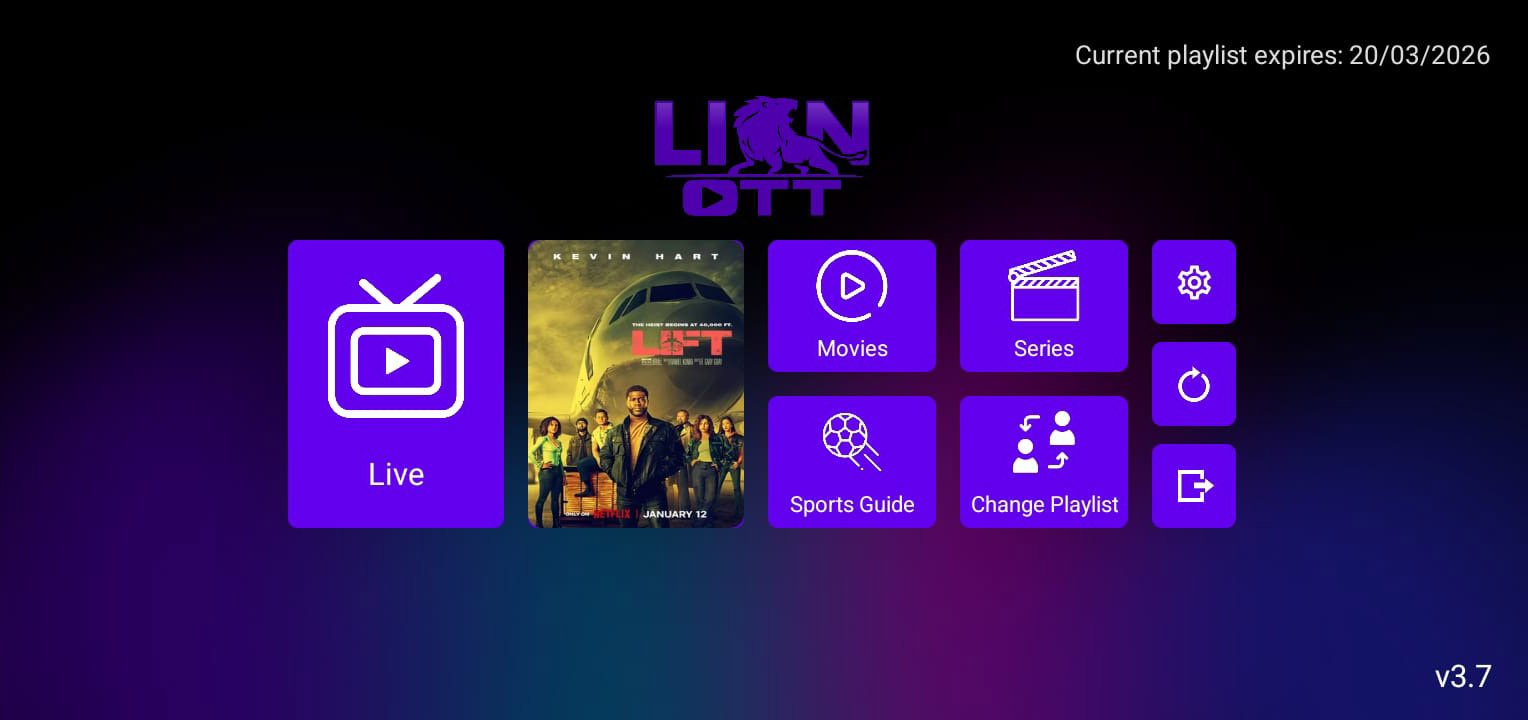
Home Screen
Live, Movies, Series, Sports Guide — everything at a glance.
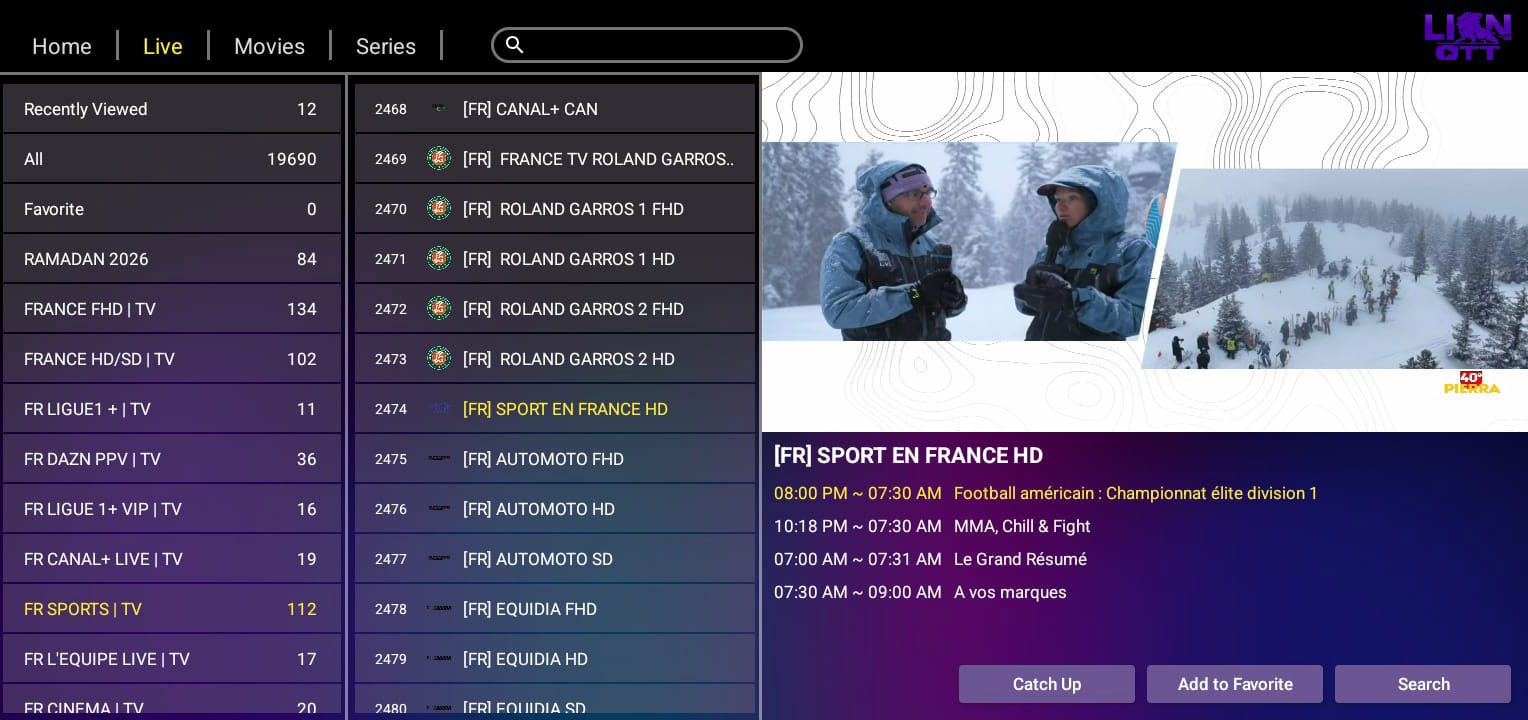
Live TV — 19,690 Channels
Browse categories, channels, EPG guide and watch live — all in one view.
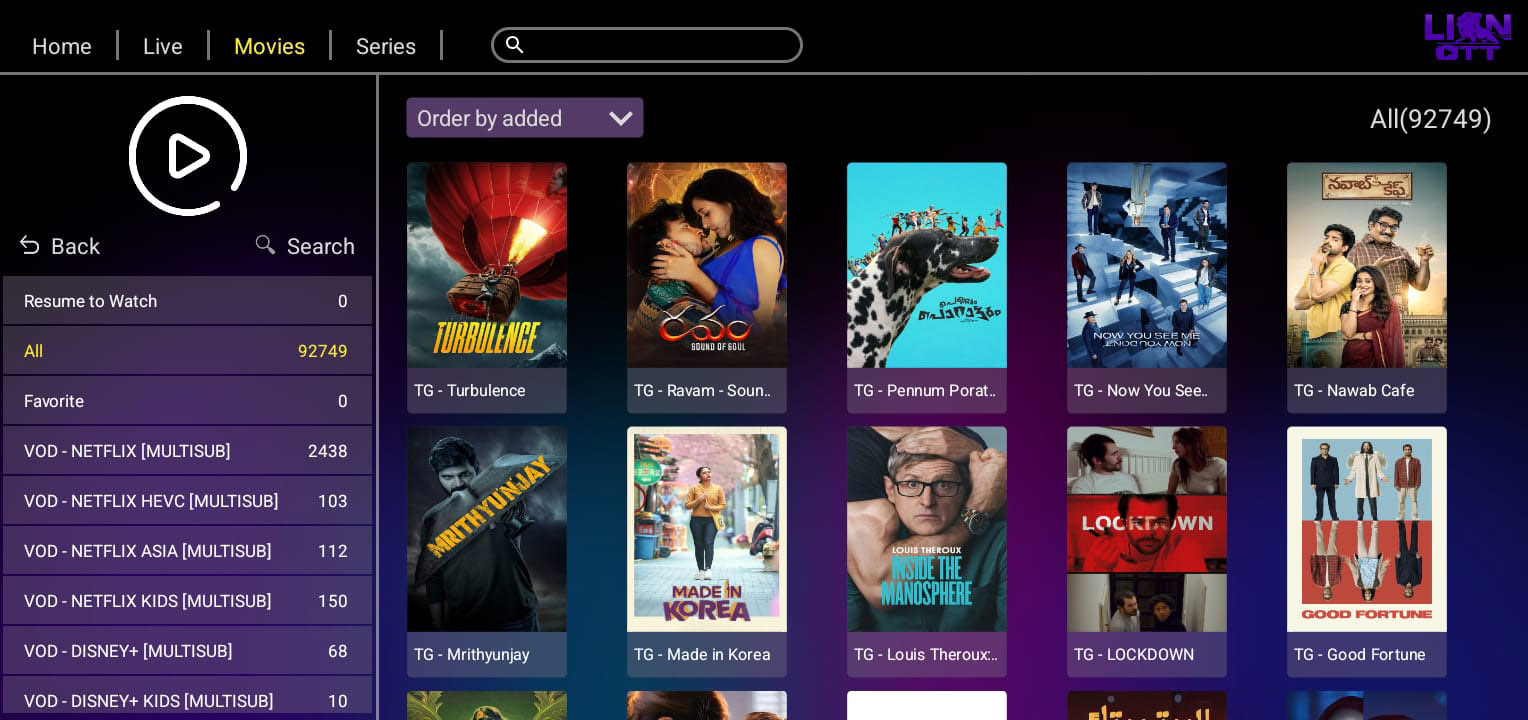
Movies — 92,749 Titles
Full VOD library with categories — Netflix, Disney+, Amazon, Apple+...
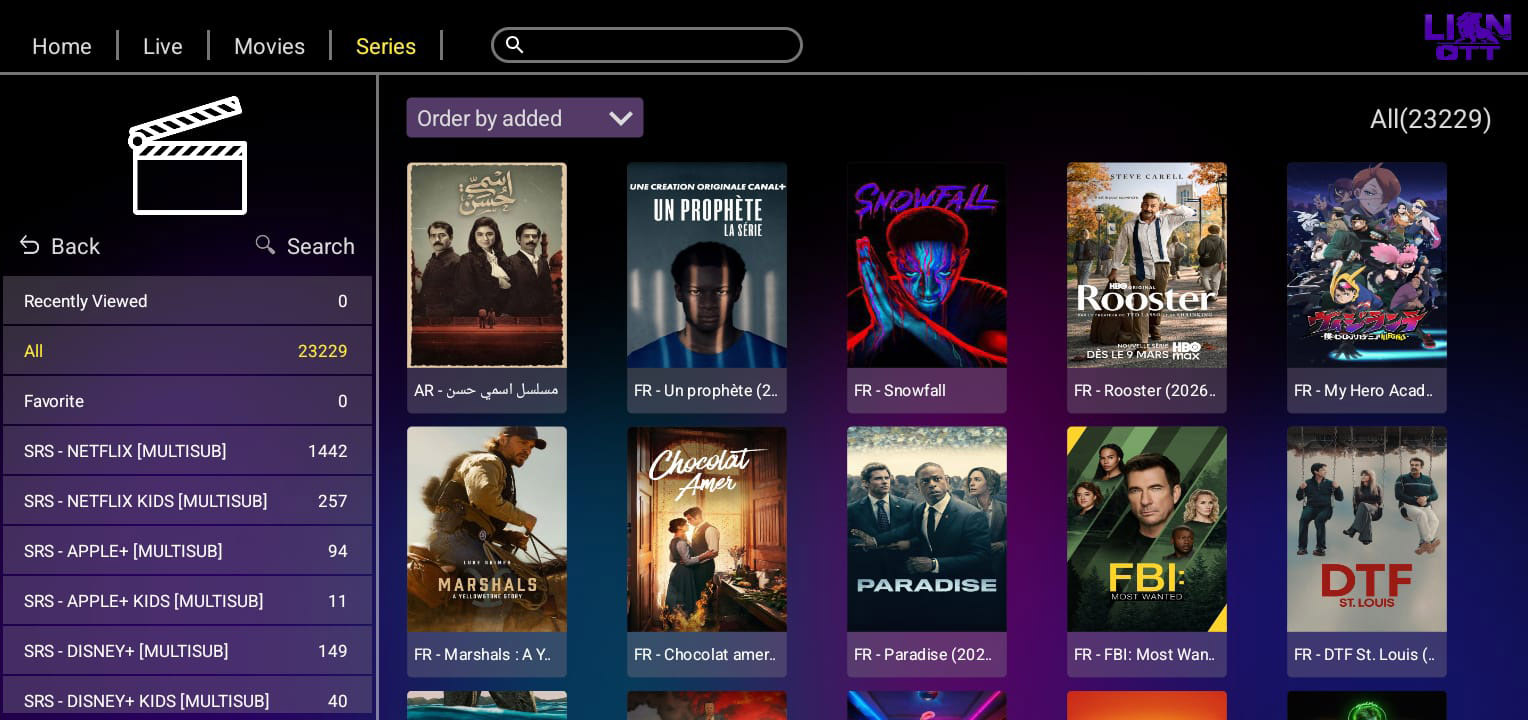
Series — 23,229 Shows
Browse thousands of TV series organized by platform and genre.
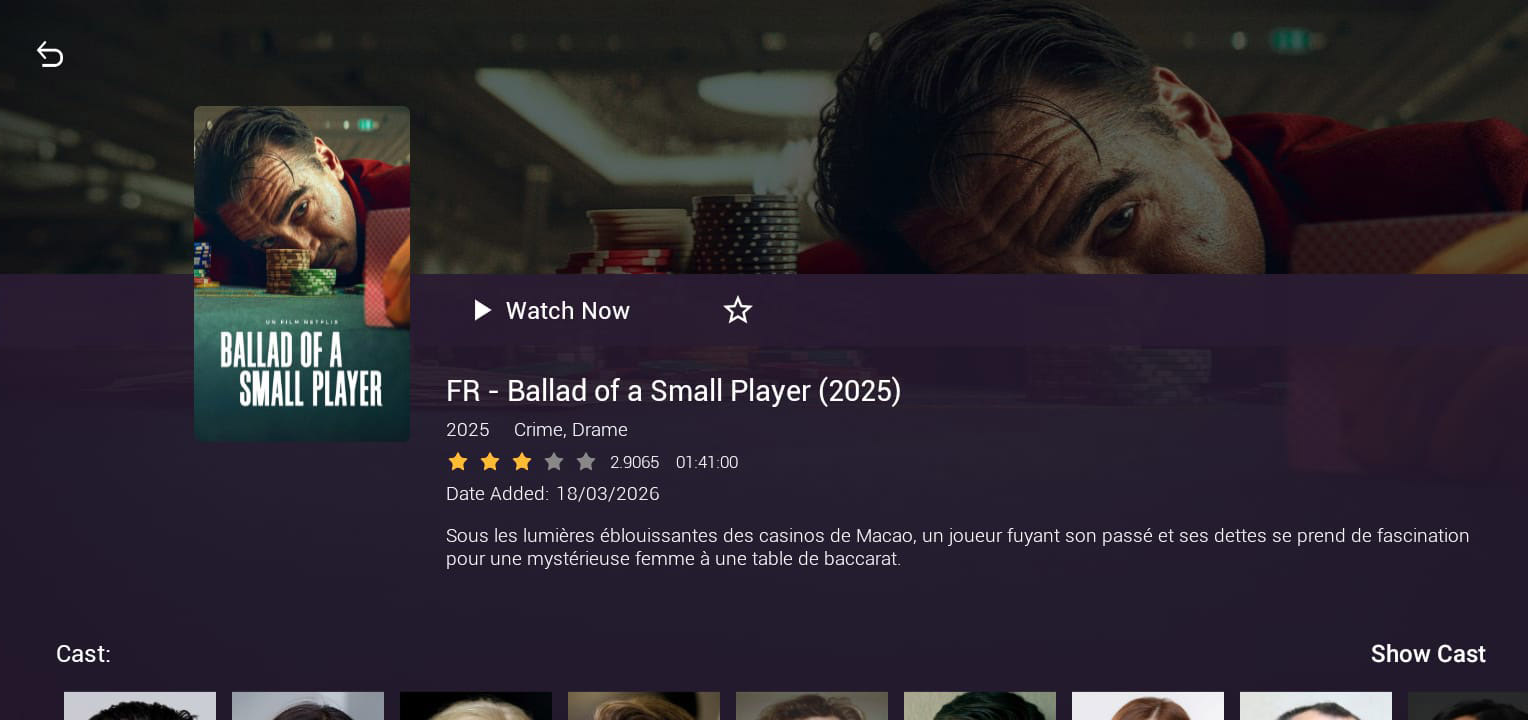
Movie Detail Page
Full info — rating, genres, duration, description and cast.
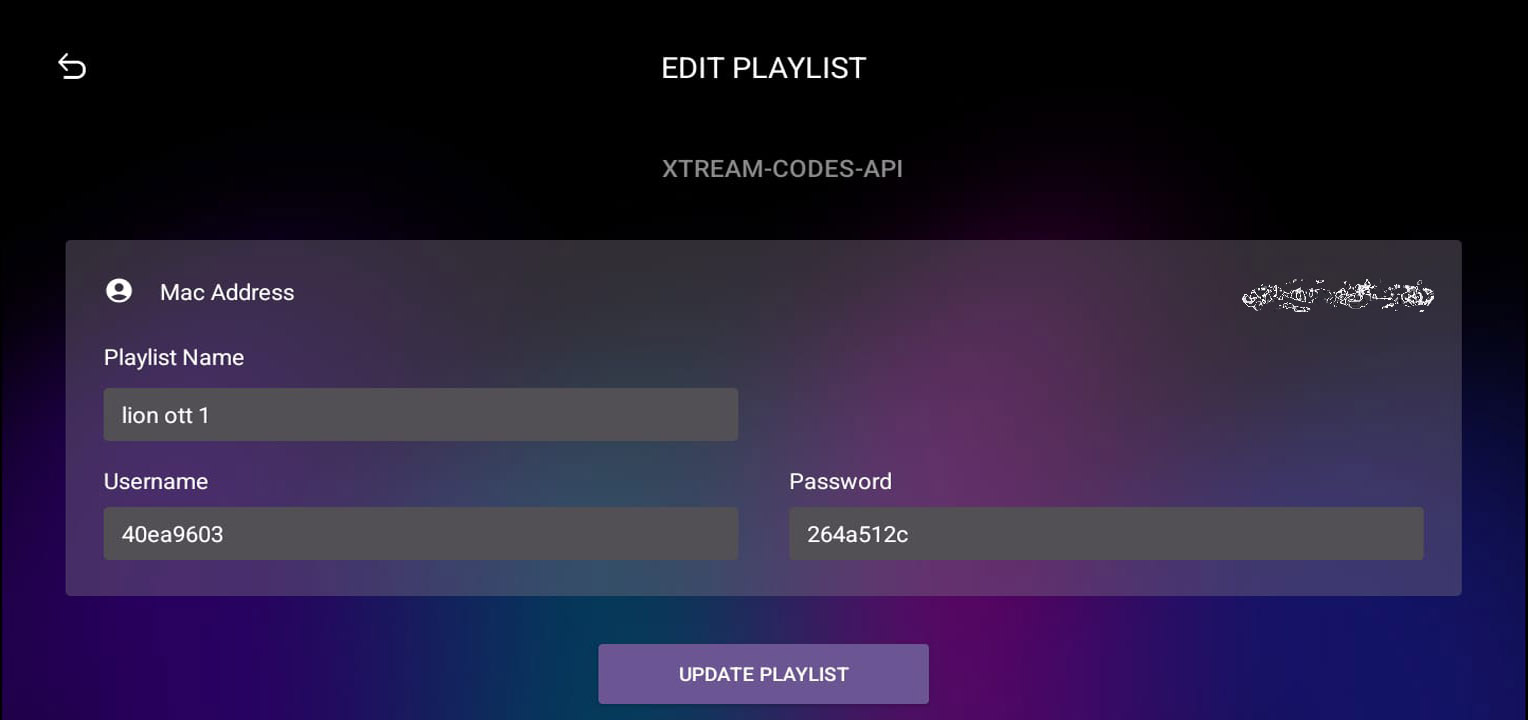
Easy Login
Just enter your username and password from WhatsApp — no server URL needed.
Choose Your Device
Step-by-step instructions for every platform.
Install the Downloader app
On your Firestick home screen, go to Find → Search. Type "Downloader" and install the app by AFTVnews (the orange icon). It's free.
Open Downloader and enter the code
Open the Downloader app. You will see a box asking for a URL or code. Enter the code: 1837784
Tap "Go" and wait for download
Tap the Go button. Downloader will find and download the Lion OTT APK file. Wait for the download — it takes about 1 minute.
Tap "Install"
When the download finishes, a screen will appear asking if you want to install. Tap Install and wait a few seconds.
Open Lion OTT and log in
Tap Open (or find Lion OTT on your Firestick home screen). Enter the username and password we sent you on WhatsApp — no server URL needed.
Install the Downloader app from Play Store
Open the Google Play Store on your Android TV box. Search for "Downloader" by AFTVnews and install it.
Open Downloader and enter code 1837784
Open Downloader. Enter the code 1837784 and tap Go. It will download the Lion OTT APK.
Install and open Lion OTT
Tap Install when prompted. Then open Lion OTT and enter your username and password from WhatsApp.
Allow installing apps from your browser
On your Android phone, go to Settings → Apps → Special App Access → Install Unknown Apps → your browser → Allow.
Open your browser and go to the APK link
Open Chrome or any browser. Type or paste this address: lionott.co/lion-ott-download-apk/ — the download will start automatically.
Open the downloaded file and install
When the download finishes, tap the file in your notifications or go to your Downloads folder. Tap the APK file, then tap Install.
Open Lion OTT and log in
Open Lion OTT from your apps. Enter your username and password from our WhatsApp message and tap Login.
Need Help Installing?
We're on WhatsApp 24/7. Send us a message and we'll guide you through it step by step — takes only a few minutes.
💬 Get Help on WhatsAppReady to Start Streaming?
Download Lion OTT, get your free 12-hour trial and experience 40K+ channels in HD, 4K & 8K.